AutoRoute
Your drives, automatically recorded.
AutoRoute records your road trips without buttons, screens, or distractions.
Connect to your car, drive as normal, and AutoRoute quietly captures your route — ready to export as beautiful maps or GPX files when you’re done.
Start driving. AutoRoute handles the rest.

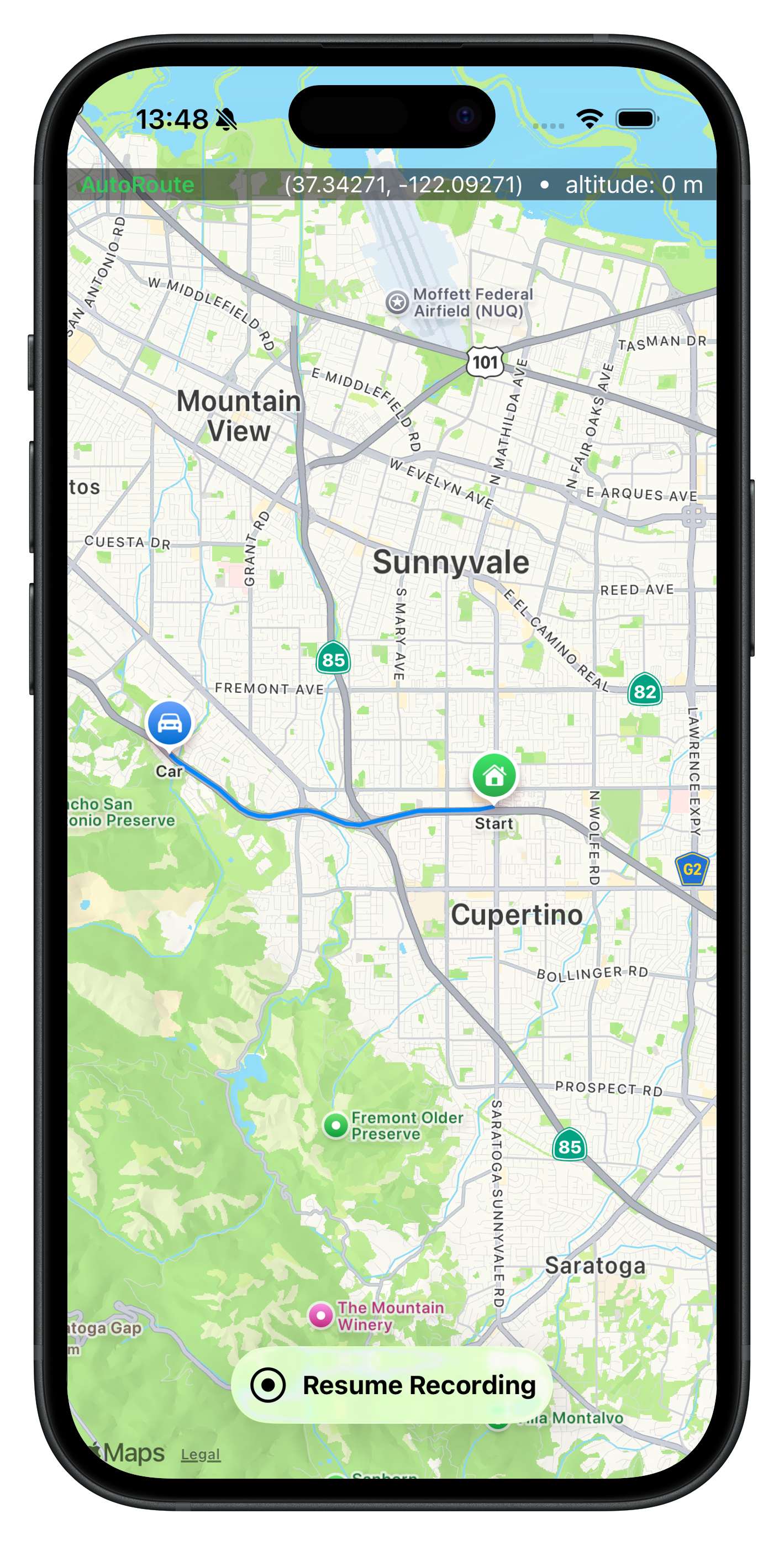
Built for Road Trips
Most tracking apps expect interaction. AutoRoute expects you to drive
There are plenty of GPX and route-recording apps on the App Store, but all of them are designed around manual control — start buttons, stop buttons, foreground screens, or tightly coupling recording with navigation and route planning
AutoRoute takes a fundamentally different approach.
It runs quietly in the background, starting, pausing, and resuming route recording automatically based on your car connection. There’s no navigation UI, no map to manage while driving, and no requirement to plan a route in advance.
AutoRoute doesn’t interfere with Apple Maps, Google Maps, or your car’s built-in navigation. You use whatever navigation you prefer — AutoRoute simply records where you actually drove.
How It Works
Connect to your car
AutoRoute detects when your car connects via Bluetooth.
Drive
Your route starts automatically. If you stop for lunch or fuel, AutoRoute pauses — and resumes when you’re back on the road.
Finish & export
When the drive is over, export your route as:
- GPX files
- High-quality map images
Privacy first.
No accounts. No subscriptions. No cloud lock-in. Your data stays on your device.
Designed for iOS.
A native SwiftUI app, built for modern iOS.
Siri & Shortcuts ready.
Works with Siri and Apple Shortcuts for hands-free control and automation.
Open source.
Fully open-sourced under the MIT License and available on GitHub.